20+ Free White-Labeled PPC Report Template for Google Sheets
Unlock the power of PPC reporting with 20+ free, customizable Google Sheets templates. Save time, streamline your reports, and make data-driven decisions effortlessly. Track key metrics and visualize your campaign performance with ease.
No credit card required • Cancel anytime
Select the best PPC report template for Google Sheets from our repository





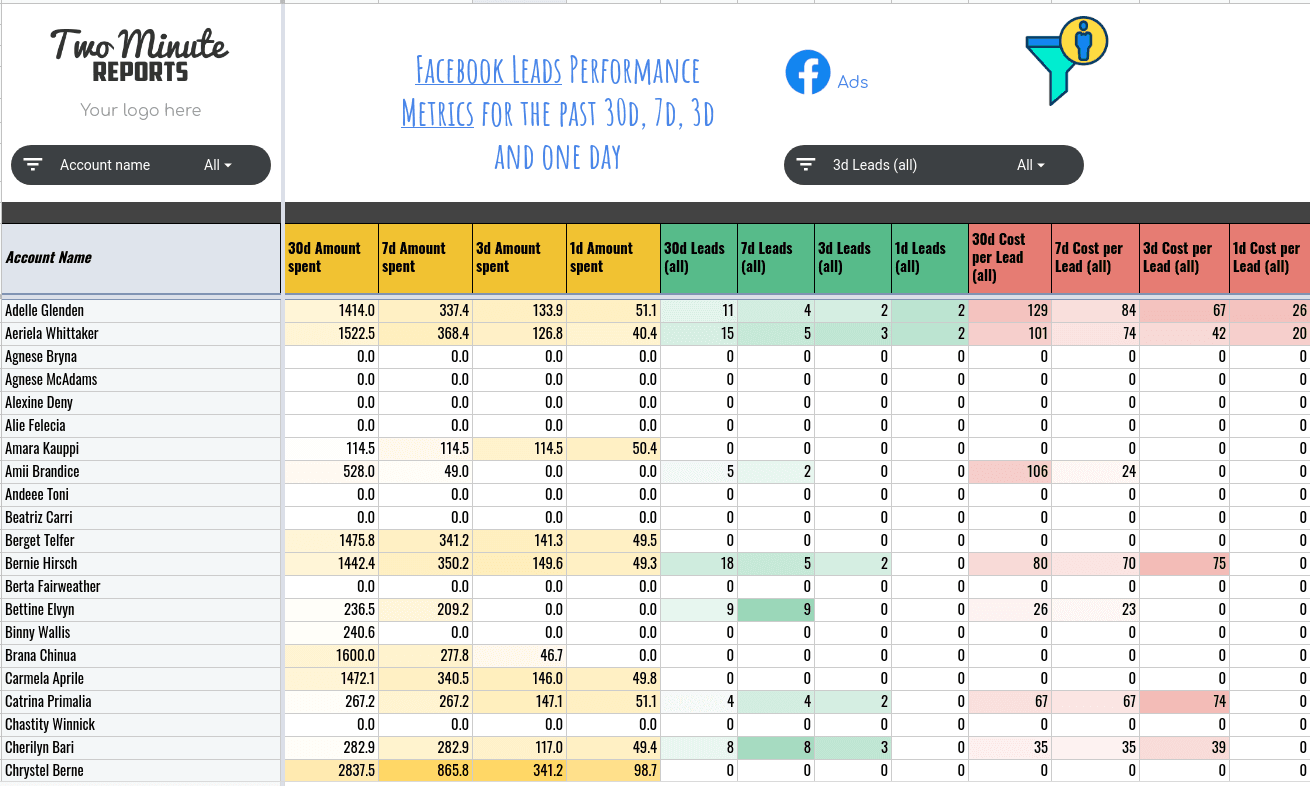
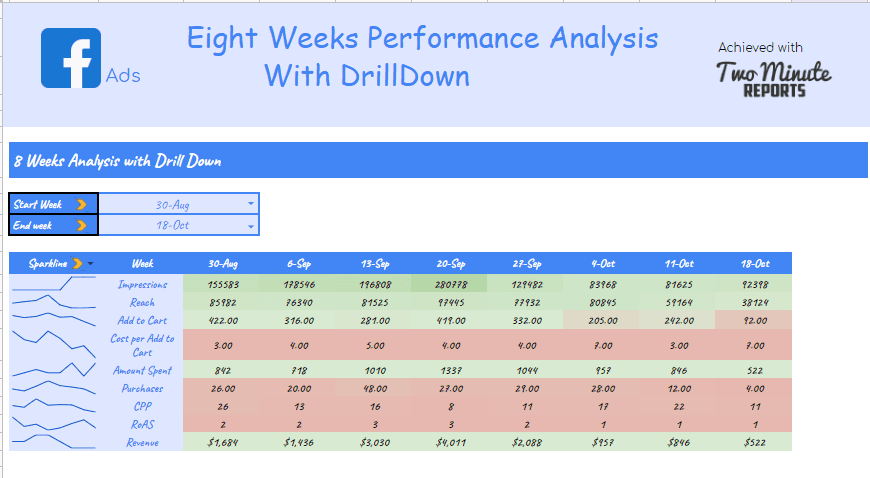

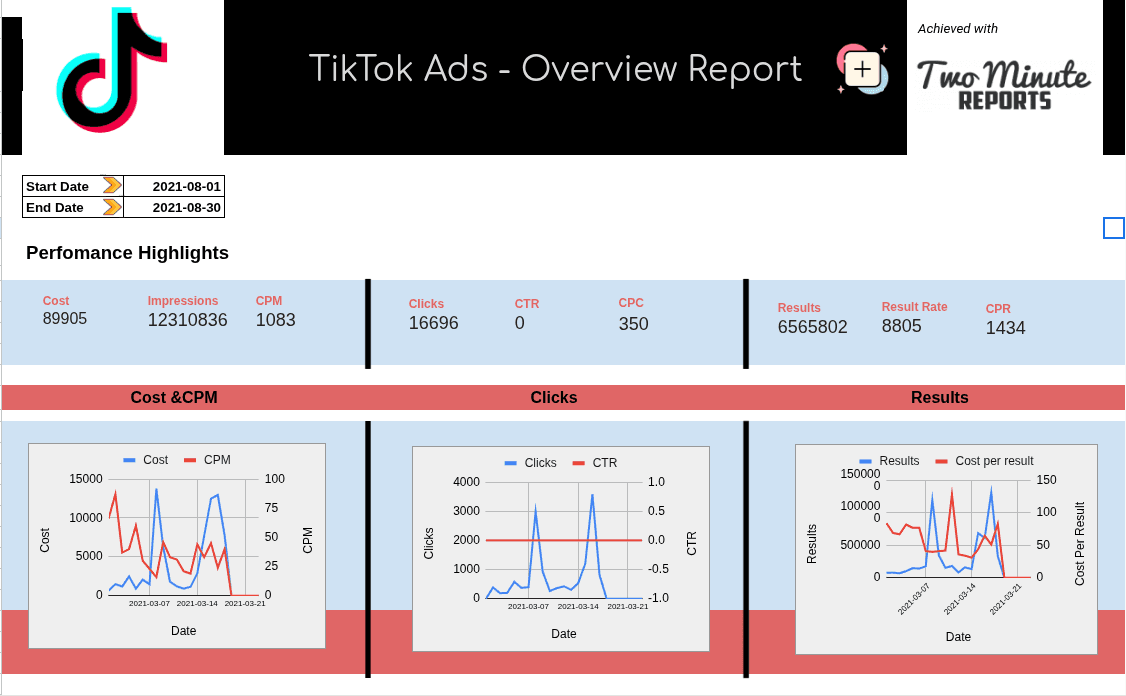


Why marketers love our templates
Plug in your data and build seamless client-ready dashboards in minutes
Save 4–6 hours per week
Automate data collection and report generation across all your marketing channels.
100+ ready-made templates
Get free Google Sheets and Google Data Studio templates built for instant setup and faster reporting.
Auto-refresh with live data
Always see the latest performance metrics and earn all the bragging rights.
Trusted by 10,000+ marketers
Join thousands of marketing teams who love spending less time on reports and more time on strategies that deliver results.
Integrates seamlessly with 30+ marketing platforms.


No switching tools. No extra steps. Just connect your platforms and let the data flow.
Trusted by 10,000+ marketers and agencies
See why teams choose our templates to automate their reporting

Lukas Snelling
Founder, Astronaut Party
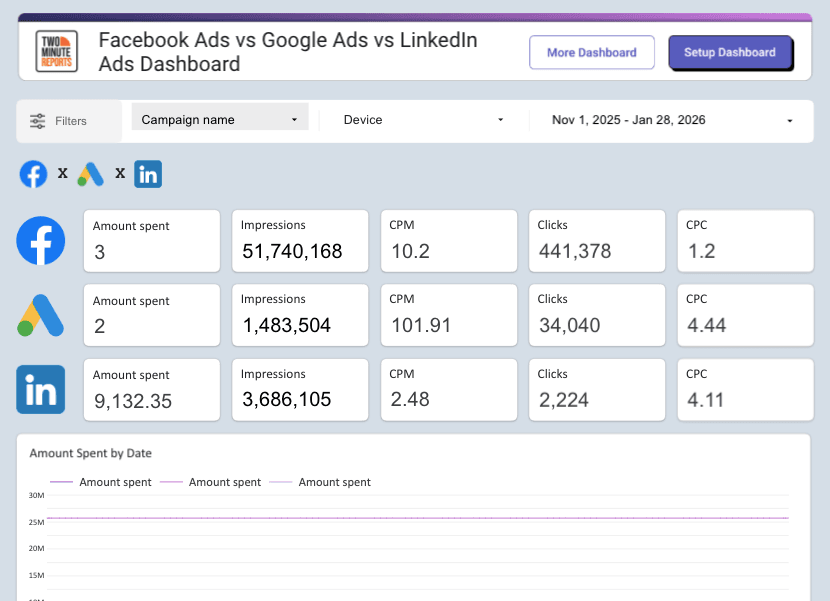
"With Two Minute Reports' blended PPC template, everything is now integrated. I connect Google Ads, Meta & LinkedIn Ads, and visualize CPC, conversions, and spend in one dashboard."

Jazmin Gimenez
Director Of Advertising, Agent Launch
"For media buyers managing multiple campaigns, Two Minute Reports makes it easy to connect all accounts in one Google Sheet. We have saved hundreds of hours in optimization and client management process"

Jez John
Managing Director, Webstars
"Two Minute Reports transforms data reporting from a time-consuming task to a smooth, instantaneous process. For anyone working with Looker Studio and multiple data sources, this tool is an absolute must-have."
Report Categories


More Google Sheets Templates
View allMore Google Google Data Studio Templates
View all


More AI Dashboard Templates
View all


Read more about PPC Report Template for Google Sheets
Streamline your PPC reporting with our collection of 20+ free Google Sheets templates designed for marketers and agencies. Our customizable Google Sheets PPC report templates are perfect for analyzing your campaign performance, visualizing key metrics, and automating your reporting processes–all in one place.
Frequently Asked Questions
Two Minute Reports offers the best solution for tracking PPC campaigns.
- Seamless integration with Google Sheets and Google Data Studio
- Pull data with just a few clicks from multiple campaigns and 30+ data sources in two minutes
- Choose the metrics you want to generate a report for
- Track, analyze, and compare PPC data (to Google Sheets) from various platforms
- Automate and schedule refreshing your data at any frequency
- Present white-labeled reports to your clients
- You can start with the 14-day free trial
The primary goal of a PPC campaign is to drive traffic to a website, improving leads, conversions, and sales.
Yes, of course! Our PPC reporting templates integrate with over eight platforms including Facebook and TikTok ads.
Focus on PPC if your goal is to quickly drive traffic to your website, while SEO is ideal for building a strong online presence over the long term. Combining SEO and PPC, known as remarketing, provides long-term benefits, including organic ranking, and increased site traffic.
Here’s how you can integrate Google Ads with Google Sheets using three different methods:
1) Two Minute Reports Integration
- In Google Sheets, go to Extensions > Add-ons > Get add-ons.
- Search for and install Two Minute Reports.
- Connect Google Ads to Google Sheets by going to Menu > Data Sources.
- Click Add, select Advertising, and choose Google Ads.
- Get your Google Ads data directly in Google Sheets.
- Go to Menu > Data Queries, click Add, fill in the required details, and Run Query.
- Optionally, set up automatic updates via the Schedule Refresh feature.
2) Google Ads Add-on
- Install the Google Ads add-on for Google Sheets.
- Sign in to both Google Ads and Google Sheets with the same Google account.
- Navigate to Menu > Add-ons.
- Hover over Google Ads and click Create a new report.
- Generate reports directly in Sheets by selecting the desired date range, report type, and filters.
3) Uploading Data from Google Sheets to Google Ads
- In Google Ads, go to the Ads > Extensions tab.
- Click the 3-dot menu and select Upload.
- Click Choose file, select your spreadsheet file, and click Open.
- Select Preview to review the changes to your ads, then click Apply to save.
KPI metrics to track in a PPC report:
- Impressions: Shows the audience size or search volume engaged with the ad
- Clicks: Measures website traffic driven by ad clicks.
- Search impression share: Indicates ad visibility and coverage.
- CPM (Cost per thousand impressions): Cost for every thousand ad views.
- CPC (Cost per click): Amount spent per click on the ad.
- Average Cost per Acquisition (CPA): Amount spent for driving results–useful for broader campaign evaluation.
- CTR (Click-through rate): Indicates the percentage of people who clicked on the ad.
- Conversion rate: Shows the percentage of visitors completing desired actions like purchase, cart addition, etc.
- View rate: Percentage of people engaging with video content.
- Return on Ad Spend (ROAS): Measures revenue generated for every dollar spent on advertising.
- Quality Score: The quality and relevance of your ads, keywords, and landing pages that affect your ad rank and CPC.
Take back your time. Wow clients.
Get Two Minute Reports.
Start your free trial todayBuilt by marketers. Built for marketers.