Apple Search Ads MCP Server
Ask which Apple Search Ads search terms bring new downloads, how many installs are redownloads, and what a tap costs on each App Store placement. It reads campaigns, ad groups, keywords, search terms and ads, so CPA checks happen in a chat, not a spreadsheet.
- No credit card required
- Set up in 2 minutes
- Read-only access





Set Up the Two Minute Reports Apple Search Ads MCP in 3 Simple Steps
Add Two Minute Reports to your AI tool once, then ask about your Apple Search Ads whenever you need an answer.
Create Your Free Account
Add Two Minute Reports to Your AI Tool
Start Asking Questions
Search Match Terms, Redownloads and Today Tab Taps: One Apple Search Ads MCP Question
One monthly prompt for an iOS app covering keyword harvesting, returning users on brand terms, placements, product page ads and budget caps.
 Apple Search Ads
Review last month's Apple Search Ads for our fitness app. Which Search Match terms should become exact keywords, how many brand installs were redownloads, is the Today tab paying off, which product page ads win, and is budget capping us?
| Area | What I found | Action |
|---|---|---|
| Search terms | "home workout plan" came from Search Match: 41 installs at $1.92 CPA, not yet a keyword | Add as exact |
| Brand keywords | Redownloads are 46% of tap-through installs on the brand campaign | Lower brand bids |
| Today tab | 1.2M impressions, 0.4% TTR, 71% of installs are view-through | Judge on total CPA |
| Custom product pages | "Strength plans" ad: 9.1% TTR against 6.4% on the default page | Shift ad groups |
| Daily budget | US search results campaign spent its full daily budget on 6 of 7 days, CPA $2.10 against a $3 target | Raise budget |
Monthly note for the app team: Tap-through CPA fell to $2.38 after we moved winning search terms to exact match. Next month we lower brand bids, read the Today tab on total CPA and raise the US daily budget by a fifth.
Illustrative example
Two Minute Reports Reads Apple Search Ads Down to the Search Term, With Every Install Split by Type
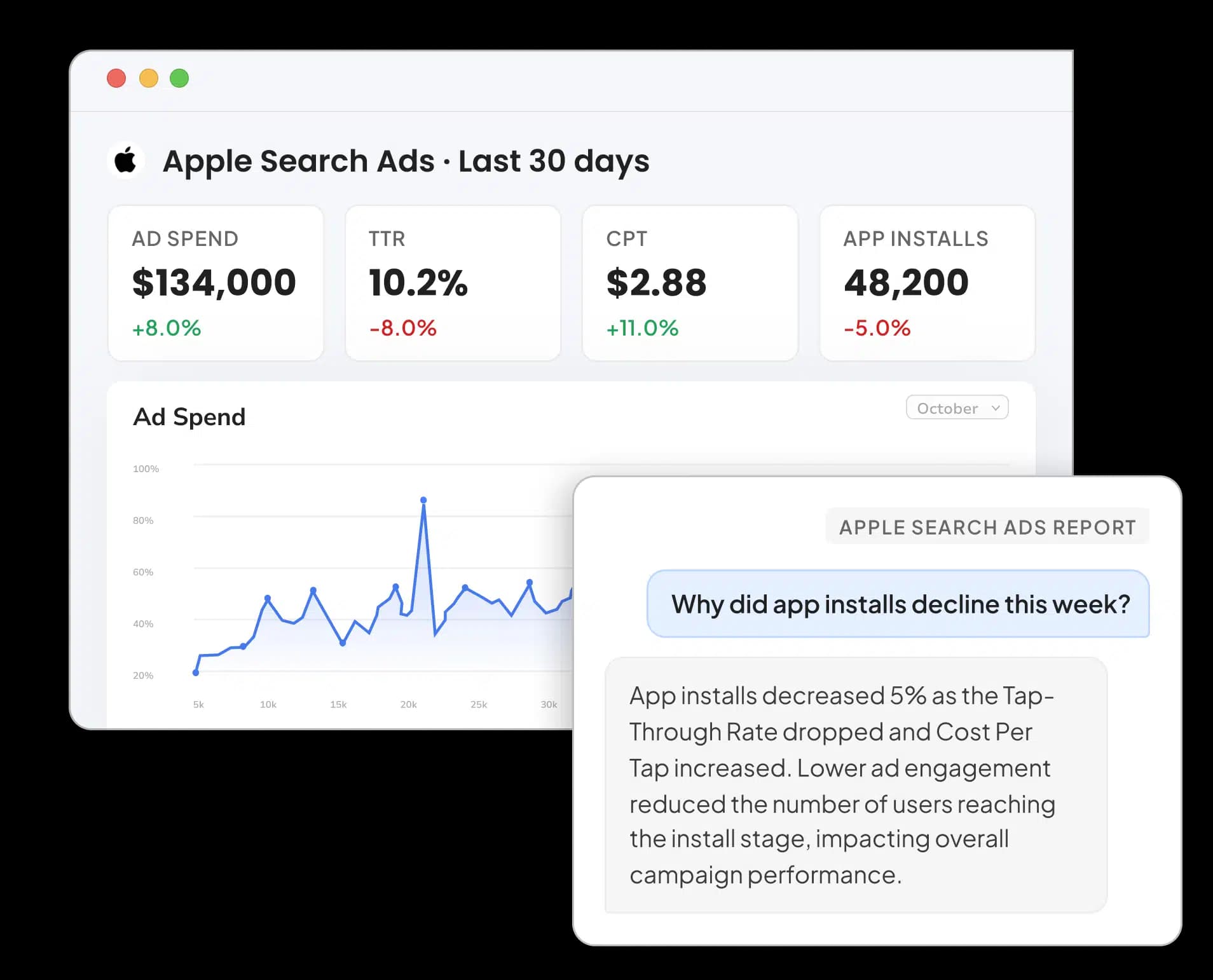
Two Minute Reports reads 92 Apple Search Ads fields, from account and campaign down to each ad, keyword and search term.
Taps, installs and cost
Impressions, taps, TTR, amount spent, average CPT, average CPM, installs (tap-through, view-through and total), average CPA (tap-through and total) and conversion rate (tap-through and total).
New downloads and redownloads
New downloads and redownloads, each in tap-through, view-through and total versions. Apple counts tap-through results within 30 days of the tap and view-through results within one day of the view.
Search terms and keywords
Search term, search term source and match type, plus keyword, keyword ID, keyword display status and keyword bid amount for every keyword you bid on.
Placements and storefronts
Campaign ad channel type and supply sources (search results, Search tab, Today tab and product pages), campaign countries or regions, App ID and account currency.
Ads and custom product pages
Ad ID, ad name, creative ID, creative type, ad language, ad status, ad display status and display state reasons, with creation and modification dates.
Status, budgets and bids
Campaign serving status and reasons, ad group serving state reasons, campaign daily budget, ad group default bid amount, automated keywords opt-in (Search Match) and start and end dates.
Apple Is Retiring Its Campaign Management API in January 2027: How Apple Search Ads MCP Options Compare
As of November 2026, Apple has no MCP server of its own for Apple Ads. Community servers on GitHub and in Mac apps call its Campaign Management API with your API keys. Apple will sunset version 5 of that API on January 26, 2027, and points developers to the new Apple Ads Platform API.
| Feature | Apple Ads Campaign Management API | Open-source servers | Two Minute Reports |
|---|---|---|---|
| Built for | Developers building their own bidding and reporting tools | Running Apple Ads from a local AI client, including campaign changes | Reporting and analysis across your Apple Search Ads accounts |
| Getting access | An API user with the API Account Manager or API Account Read Only role, plus a key pair | Your own API keys, on a machine or Mac app you run | Hosted: sign in with OAuth and add one URL |
| Changes to campaigns | Create and edit campaigns, ad groups, keywords and bids | The projects we checked can create, edit and delete campaigns and keywords | None, it stays read-only on the ad account |
| Data beyond Apple | Apple Ads only | Apple Ads only | Apple Search Ads plus 30+ other sources in one workspace |
| Client accounts | Accounts the API user's role can reach | Set by the credentials in your local settings file | All client accounts in one workspace |
| Client reporting | You build it yourself | Not included | Dashboards and scheduled white-label reports |
Your Data Is Safe
Security you can explain to your clients, too.
We don't store your advertising data on our servers. Two Minute Reports connects to your data sources using OAuth - your credentials never touch our system. Your AI only reads what you've explicitly connected.
OAuth Authentication
Connects securely to your data sources. No passwords stored. Revoke access anytime from your platform settings.
Read-Only Access
Your AI can only read your data. It cannot create, edit, pause, or delete anything. Your account stays fully in your control.
No Data Training
Your advertising data is never used to train AI models. What's yours stays yours - full stop.
More Two Minute Reports MCP Servers You Can Connect Today
The same server URL works for every data source in your Two Minute Reports account.






















Frequently Asked Questions
Ask your AI for search terms with installs over the last 30 days, then compare them with your keyword list. Search term, search term source and match type sit side by side, and ad groups show whether Search Match is on. Terms with a low CPA and no keyword are your next exact match adds. Every one of the 92 fields is spelled out on our Apple Search Ads metrics and dimensions page.
Yes. New downloads count people who never had the app, and redownloads count people who deleted it and came back. Both come in tap-through, view-through and total versions. Ask for the split on your brand keywords first. A high redownload share there can mean you are paying for users who would have found you anyway.
Yes. Campaign supply sources shows which App Store placement a campaign runs on, and ad channel type separates search from display. Group spend, taps and installs by placement. Display placements can earn installs from people who saw the ad and never tapped. Check them on total CPA as well as tap-through CPA before you cut them.
Ads report at their own level, with ad name, creative type and ad language as dimensions. Ask for TTR and conversion rate per ad inside the same ad group, so keywords and bids stay equal. Apple lets you create up to 70 custom product pages. So ask which page wins for each keyword theme, not which wins overall.
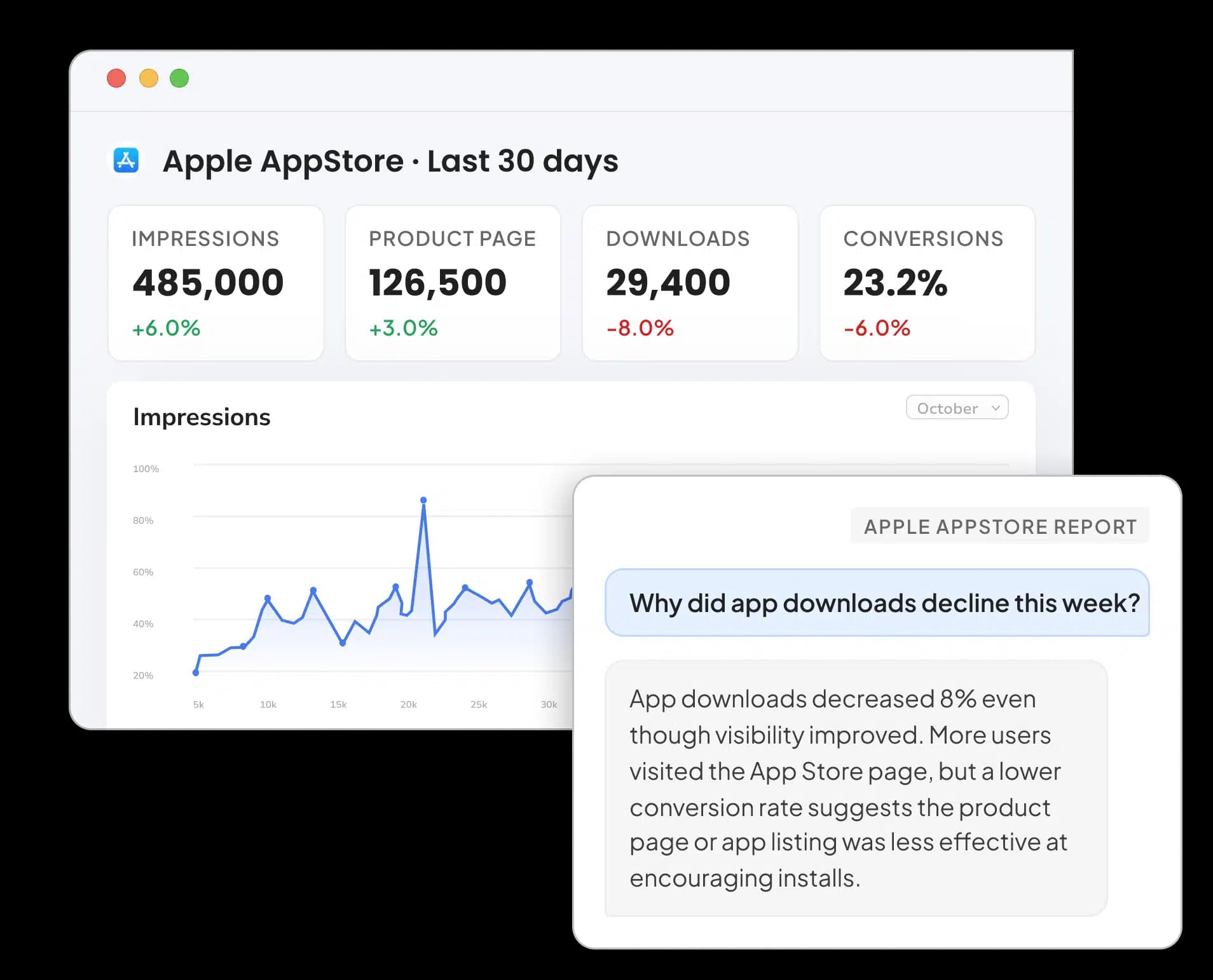
Yes, if you connect both sources in Two Minute Reports. The Apple Search Ads connector has no revenue fields, while the App Store connector reads developer proceeds, initial downloads and active subscriptions by country. Ask for installs and spend by country next to proceeds for the same month. To compare with another iOS channel, the TikTok Ads MCP reads SKAN installs.
Apple hides a search term until it reaches at least 10 impressions and shows "low volume" in its place. Ask your AI what share of each ad group's search term rows show low volume. If that share is large, you know less about what drove those installs. Treat search term findings from that ad group with care.
Tap-through installs come from people who tapped your ad and installed within 30 days. View-through installs come from people who saw the ad without tapping and installed within one day. That is why there are two CPA figures: average CPA (tap-through) and average CPA (total). Pick one per report and say which, so clients do not compare mismatched numbers.
Yes. Campaign serving status reasons, ad group serving state reasons and display status explain holds and stops. One example from Apple's documentation: Today tab ad groups that do not target iPhone go on hold. Ask your AI to list everything not running, with its reason. For a stop in one market only, check the campaign's countries or regions.
Yes, community projects exist on GitHub and as Mac apps, and none come from Apple. The two we checked run on your own machine with your own API credentials. Both can create, edit and delete campaigns and keywords. Anything built on API version 5 needs updating before Apple retires it in January 2027. If you would rather not run a server, the Claude guide walks through adding Two Minute Reports to Claude.
Not a dedicated one yet. The PPC Claude Skills cover Google Ads, Meta, LinkedIn, TikTok and Reddit audits, and their structure works as a model. For now, ask for the same checks by hand: search terms with no keyword, redownload share, placements on total CPA and ad groups on hold. Read how skills load and run in Claude in our skills help article.
Recommended Reads
Apple Search Ads Reporting Connector
Apple App Store Reporting Connector

11 Essential PPC Metrics Every Marketer Should Track


Take back your time. Wow clients.
Get Two Minute Reports.
Start your free trial todayBuilt by marketers. Built for marketers.