LinkedIn Pages MCP Server
Connect LinkedIn Pages and ask your AI which post formats bring in organic followers and which job functions engage with them. Check Careers tab views, Jobs clicks and Contact us button clicks next to your posts in the same chat.
- No credit card required
- Set up in 2 minutes
- Read-only access





Set Up the Two Minute Reports LinkedIn Pages MCP in 3 Simple Steps
Add Two Minute Reports to your AI tool once, then ask about your LinkedIn Pages whenever you need an answer.
Create Your Free Account
Add Two Minute Reports to Your AI Tool
Start Asking Questions
Which Posts Win Followers From the Buyers You Sell To? A LinkedIn Pages MCP Question
This example looks at one B2B software company's LinkedIn Page over two months, from post formats and follower sources to Careers traffic and button clicks.
 LinkedIn Pages
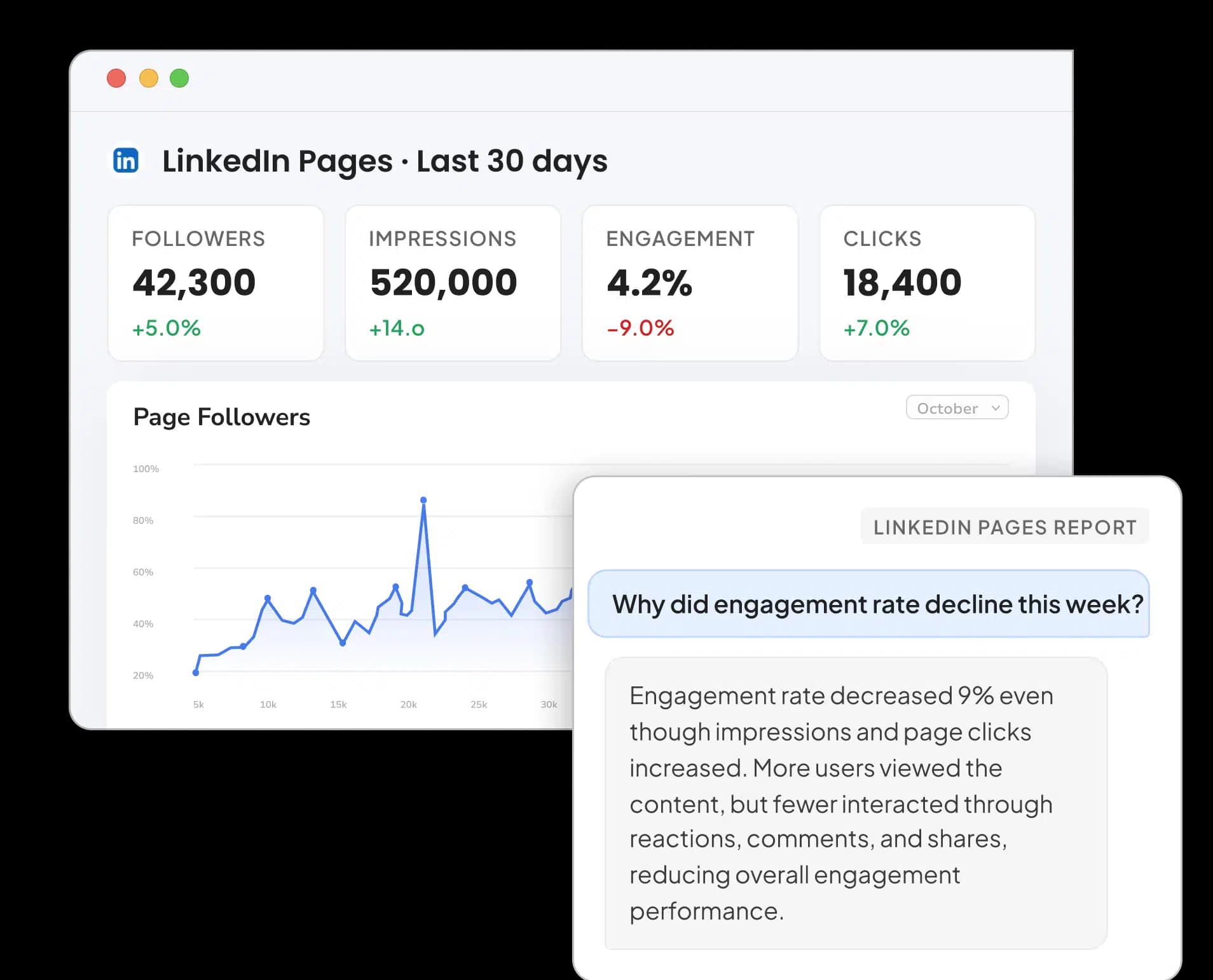
Compare October with September on our LinkedIn Page: which post types grew organic followers, which job functions engaged most, did Careers views rise after our hiring posts, and which custom button got clicks?
| Area | What I found | Action |
|---|---|---|
| Post formats | Document posts averaged a 5.2% engagement rate against 1.9% for link posts and brought in 41% of new organic followers | Post more documents |
| Follower sources | New sponsored followers rose to 318 while new organic followers fell from 260 to 190 | Check posting cadence |
| Who engaged | Engineering made up 34% of engaged members; Marketing, the buyer you sell to, only 12% | Shift topics |
| Careers tab | Careers page views grew 62% after two hiring posts, but Jobs clicks stayed flat at 48 | Refresh job posts |
| Custom button | Contact us got 74 clicks on desktop and 9 on mobile; Learn more got 3 in total | Test button label |
Page review: Document posts win followers, but engineers engage far more than the marketing buyers you target. Move two posts a month toward buyer topics and fix the Jobs section before the next hiring push.
Illustrative example
Tab-by-Tab Page Views, Careers Clicks and Follower Sources: The LinkedIn Pages Data in Two Minute Reports
The Two Minute Reports connector reads 136+ LinkedIn Pages fields, covering followers, post results, views for each Page tab, button clicks and member demographics.
Followers
New followers, New organic followers, New sponsored followers and Total followers, so you can see how much growth came from ads or sponsored content.
Post results
Impressions, Reach, Clicks, Likes, Comments (first-level only), Shares, Engagements and Engagement rate, by Post URL, Post text, Post media category and Post creation date.
Views for each Page tab
Page views and Unique page views for Overview, About, People, Jobs, Careers, Life at, Insights and Products, split into desktop and mobile, plus lifetime totals.
Careers page clicks
Clicks on the jobs section, the employees section, promo links and the banner promo on your Careers page, with mobile versions for most of them.
Custom button clicks
Clicks on the View website, Contact us, Register, Sign up and Learn more buttons, each for desktop and mobile, plus Custom button clicks in total.
Member demographics
Company size, Industry, Seniority, Job function, Country, Region and Association type, which groups members as Employee or Non-employee.
No LinkedIn Pages MCP From LinkedIn: The Approval-Gated API, Browser-Based Servers or Two Minute Reports
LinkedIn has not released an MCP server that reads Company Page analytics, so the first route is its Community Management API, which needs an approved developer app. Community servers fill the gap, though some drive a browser signed in to your LinkedIn account instead of the API.
| Feature | Community Management API (no LinkedIn MCP) | Open-source servers | Two Minute Reports |
|---|---|---|---|
| Who maintains it | LinkedIn, as a REST API with no MCP layer | Independent developers, for example linkedin-company-admin-mcp on PyPI, still marked alpha | Two Minute Reports, hosted for you |
| What you need | A developer app that LinkedIn approves, starting on a development tier | Often a browser session signed in to LinkedIn; the PyPI project says its stored cookies equal your password plus 2FA | OAuth sign-in and one URL |
| Call limits | Development tier: 500 requests per app and 100 per member each day | Set by each project; the PyPI project warns LinkedIn may restrict the account | No developer app or tier for you to manage |
| Data covered | Follower, page and share statistics; time-bound follower stats cover the last 12 months up to 2 days ago | Varies: the PyPI server reads Page details, posts, followers and 7, 28 or 90 day analytics | Followers by source, post results, tab views, Careers and button clicks, member demographics |
| Changes to your Page | Depends on the permissions LinkedIn grants your app | The PyPI server can create, schedule, edit and delete posts | Read-only on your LinkedIn Page |
| Other sources and reports | LinkedIn only, no dashboards | LinkedIn only, no dashboards | 30+ sources and all client accounts in one workspace, with dashboards and scheduled white-label reports in every TMR plan |
Your Data Is Safe
Security you can explain to your clients, too.
We don't store your advertising data on our servers. Two Minute Reports connects to your data sources using OAuth - your credentials never touch our system. Your AI only reads what you've explicitly connected.
OAuth Authentication
Connects securely to your data sources. No passwords stored. Revoke access anytime from your platform settings.
Read-Only Access
Your AI can only read your data. It cannot create, edit, pause, or delete anything. Your account stays fully in your control.
No Data Training
Your advertising data is never used to train AI models. What's yours stays yours - full stop.
More Two Minute Reports MCP Servers You Can Connect Today
The same server URL works for every data source in your Two Minute Reports account.























Frequently Asked Questions
Yes. It reports New organic followers and New sponsored followers next to New followers and Total followers. Ask your AI to chart both by week and line up jumps in sponsored gains with your campaign dates. The LinkedIn Ads MCP covers the campaigns themselves, so you can check both sides.
LinkedIn counts unique visitors per day and does not remove repeats across days. Someone who opens your Page on five different days counts five times in a monthly total. Use unique page views for daily or weekly trends, and read monthly sums as visits rather than people.
It does. Careers page clicks cover the jobs section, the employees section, promo links and the banner promo, with mobile versions for most. Put them next to Careers and Life at page views to see whether employer brand posts turn visits into job clicks.
The demographic fields show the Job function, Seniority, Industry, Company size, Country and Region of LinkedIn members who engaged. Use them to check whether your posts reach the buyers you sell to or mostly peers in your own field.
Not as of November 2026. LinkedIn offers its Community Management API, which needs an approved developer app and starts on a limited development tier. Community servers exist, but some reuse the cookies from a browser signed in to your account, and one warns that LinkedIn may restrict accounts that use it.
LinkedIn adds up organic clicks, likes, comments and shares, then divides by impressions. Reach is a separate number that counts unique impressions. A post can show a high rate on a tiny reach, so ask for both before you call it a winner. The full LinkedIn Pages field list spells out how each number is counted.
Page views come split by tab: Overview, About, People, Jobs, Careers, Life at, Insights and Products. Each tab has desktop and mobile versions, plus lifetime totals. Ask which tabs picked up views after a product launch, or whether mobile visitors ever reach your Products tab.
Yes. Custom button clicks are reported for View website, Contact us, Register, Sign up and Learn more, each split by desktop and mobile. On a B2B Page this is often the closest thing to a lead signal, so ask your AI to compare button clicks with what you posted that week.
The Association type field groups members as Employee or Non-employee. That shows how much of your audience comes from your own staff. If most of it is internal, your posts may need a sharper angle for outside readers before you judge them on reach alone.
Not with a LinkedIn Page skill yet. The social media Claude Skills library currently holds an Instagram account audit. Until a LinkedIn one ships, ask your AI the same questions directly. The skills guide explains how skills run in your AI tool, and the Facebook Insights MCP covers your Facebook Page.
Recommended Reads



Take back your time. Wow clients.
Get Two Minute Reports.
Start your free trial todayBuilt by marketers. Built for marketers.